
ViDesigner Christmas Calendar · WordPress plugin
Your own advent calendar for WordPress
Give visitors a new surprise every day in December with images, videos and links behind each door. Start for free, then add festive touches with PRO: snow, custom door styling, animations and sound.
24 or 25 doors · Date-based opening · Your own images and text
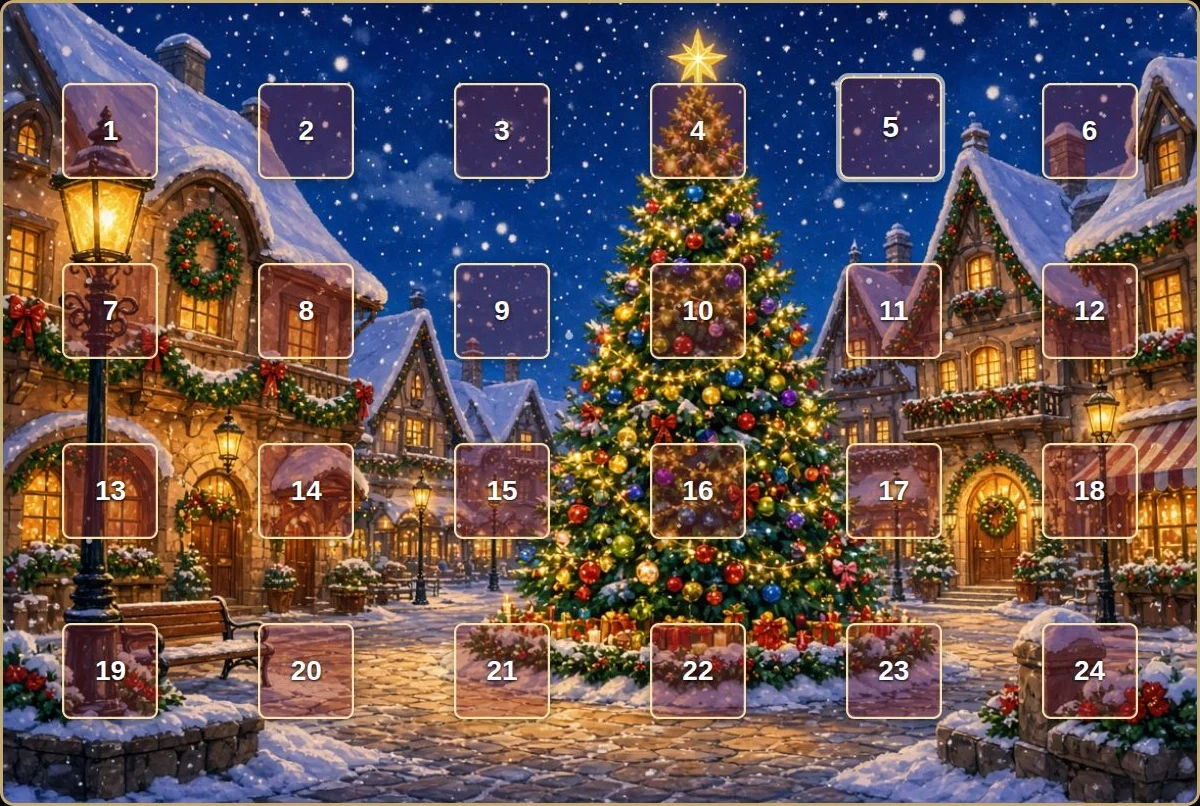
A little surprise. Every day in December.
Fill your doors with images, stories, videos, links or little activities. Choose one of the three included backgrounds or use your own image. Drag the doors into place and add the calendar to a WordPress page with a shortcode.
Doors unlock by date. As a logged-in editor, you can test future doors while visitors still follow the calendar dates.
Choose your calendar
Start with FREE. Make it your own with PRO.
FREE
Free
Everything you need to get your advent calendar started.
- 24 or 25 doors with date-based opening
- Three included backgrounds or your own image
- Position doors with drag and drop
- Text, images, YouTube videos and link buttons
- Add the calendar with a shortcode
Getting started: Search for “ViDesigner Christmas Calendar” under Plugins → Add New Plugin in WordPress.
PRO · Standard
$29 USD / year, excluding tax
Everything in FREE, plus extra styling and festive effects.
- Custom door colours and transparency
- Animated snowfall over your calendar
- Door-opening animations: door, sparkle and flip
- Festive sounds, your own MP3 and volume control
- Golden highlights for special Advent doors
- Hidden answers for riddles
Licence for one website. PRO is an add-on and requires the FREE plugin to be installed.
Your subscription renews automatically each year. Cancel before the next renewal to avoid another charge. Applicable tax and the total price are shown at checkout. You are billed in USD.
From idea to your first door
- Install FREE. Create a calendar and choose the year, number of doors and background.
- Add your content. Position the doors and fill them with daily surprises.
- Add PRO for extra effects. After purchase, you receive a download link, licence key and installation instructions by email. Install PRO, activate your licence and choose your effects.
- Display your calendar. Add its shortcode to your WordPress page and check the display on desktop and mobile.
Good to know
Do I need PRO to use the calendar?
No. FREE works on its own. PRO adds styling options and effects to the free calendar.
How do I purchase PRO?
Payments are handled by Freemius. You can review the total price, tax, renewal details and applicable purchase and refund terms at checkout before confirming your order.
Any questions?
Email info@videsigner.dk.