
TOOLS FOR YOUR WEBSITE
WordPress plugins by ViDesigner
Practical tools for your WordPress website. Explore free plugins and subscription products, and try the features before you choose.
CHRISTMAS IN WORDPRESS · FREE + PRO
ViDesigner Christmas Calendar
Give visitors a new surprise every day in December. Create your own advent calendar with images, videos and links behind 24 or 25 doors.
Start for free. Add snow, door styling, animations and sound with PRO.
Explore the calendar and choose your version ↗
FREE costs nothing. PRO: $29 USD/year excluding tax · One website · Renews automatically each year.
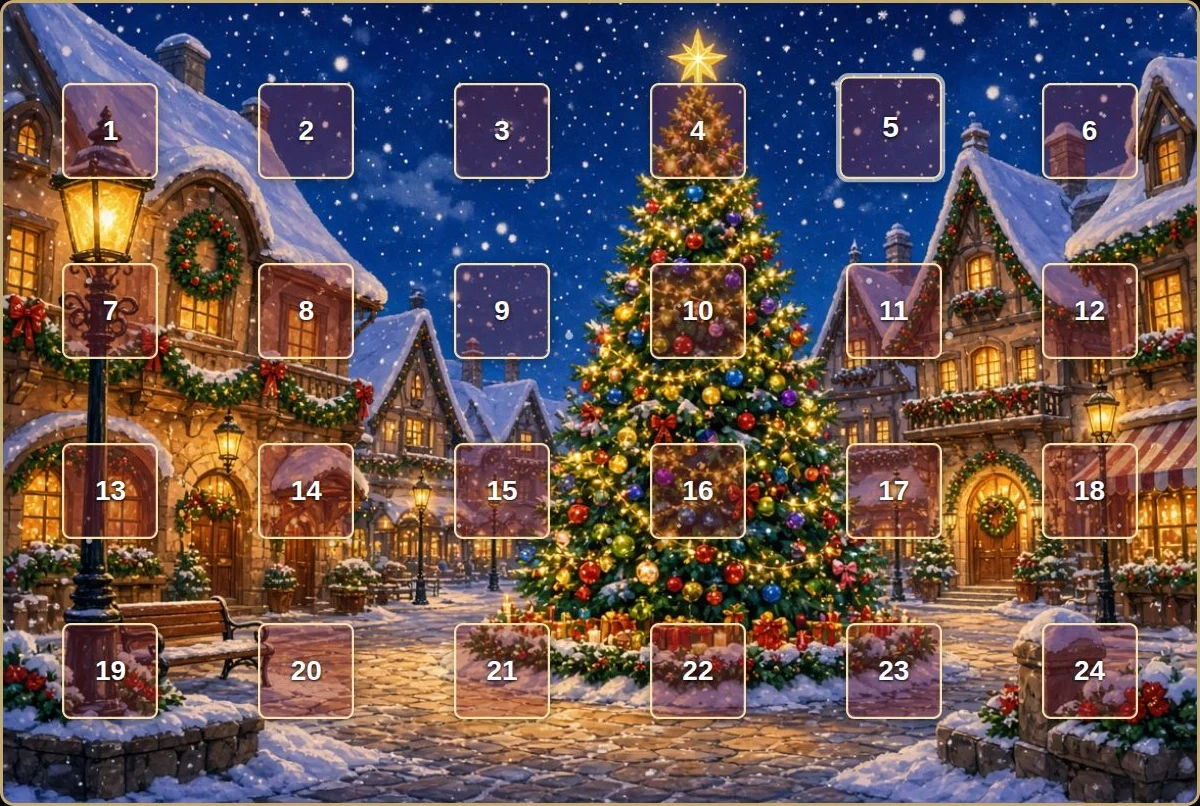
Example with PRO effects. The Christmas village background is also included in FREE.
01 / WORDPRESS · FREE
ViDesigner ImageZoom
Make the details clear. Add a simple zoom feature to your teaching images that visitors can turn on themselves.
- Zoom in and out with the mouse wheel, centred on the pointer.
- Drag to explore other parts of the image.
- Double-click to zoom quickly and reset to 100%.
- Use several images on the same page.
Normal scrolling works until zoom is enabled. No external code libraries.
Version 1.0.0 · ZIP, 13 KB · GPL licence
WordPress 6.0+ · PHP 7.4+
GETTING STARTED
From download to zoom.
- Download the ZIP file. You do not need to extract it.
- Go to Plugins → Add New Plugin → Upload Plugin in WordPress.
- Select the file, install and activate ViDesigner ImageZoom.
- Add the CSS class
videsigner-imagezoomunder Advanced to an image block without a link or lightbox.
You can also use a Shortcode block with the image’s media ID:
[videsigner_imagezoom id="123"]
A Danish guide is included under Settings → ViDesigner ImageZoom.
First release. Test the plugin with your theme on a staging site before using it on a live website.
02 / WORDPRESS · TRY FOR 7 DAYS
ViDesigner Word Explainer
Make difficult words easier to understand. Visitors click a word to get a short explanation and example in the page’s language, with extra help in a language they know.
- Word explanations and examples in two languages.
- Visitors choose their support language.
- Choose OpenAI, Anthropic Claude or Google Gemini with your own API key.
- Local caching, usage limits and email support for the plugin.
Explore Word Explainer and try the demo
Version 1.0.1 · WordPress 6.0+ · PHP 8.0+ · GPL licence
YOUR AI · YOUR KEY
Help with the text. In your language.
- Download and install the plugin in WordPress.
- Start the 7-day trial and enter your own AI provider’s API key.
- Choose the page and support languages, then enable the feature for your text areas.
No payment card is required for the trial. AI usage is billed separately by your chosen provider, including during the trial. You can try a fixed demo with ready-made explanations without an API key.
View pricing and subscription terms ↗
Licensing and payments are handled by Freemius. After the trial, AI features require an active licence.